
Cover Photo: Apple
Photo: Apple
1 / 1
If you have an iPhone 8 onwards, clear your storage, back up your phone and get ready for Apple's biggest software update yet
Last week, Apple hosted its annual September Keynote and made some massive announcements about the latest line of iPhones, AirPods, Apple Watches and more. The tech giant also announced that it would be launching a new and massive software upgrade for most iPhones called iOS 16.
The system update launched on September 12 for all users with an iPhone 8 onwards and introduced some pretty big changes. From a revamped lock screen that is now fully customisable to heightened security with the introduction of passkey, an alternative to passwords, there is much to be excited about.
Below, we highlight the biggest and coolest new iOS16 updates.
Don’t miss: iPhone 14, AirPods Pro 2 and iOS 16: All the Announcements at Apple’s September 2022 Keynote
1. Your Lock Screen Is Getting a Makeover


Above Photo: Apple
Photo: Apple
1 / 1
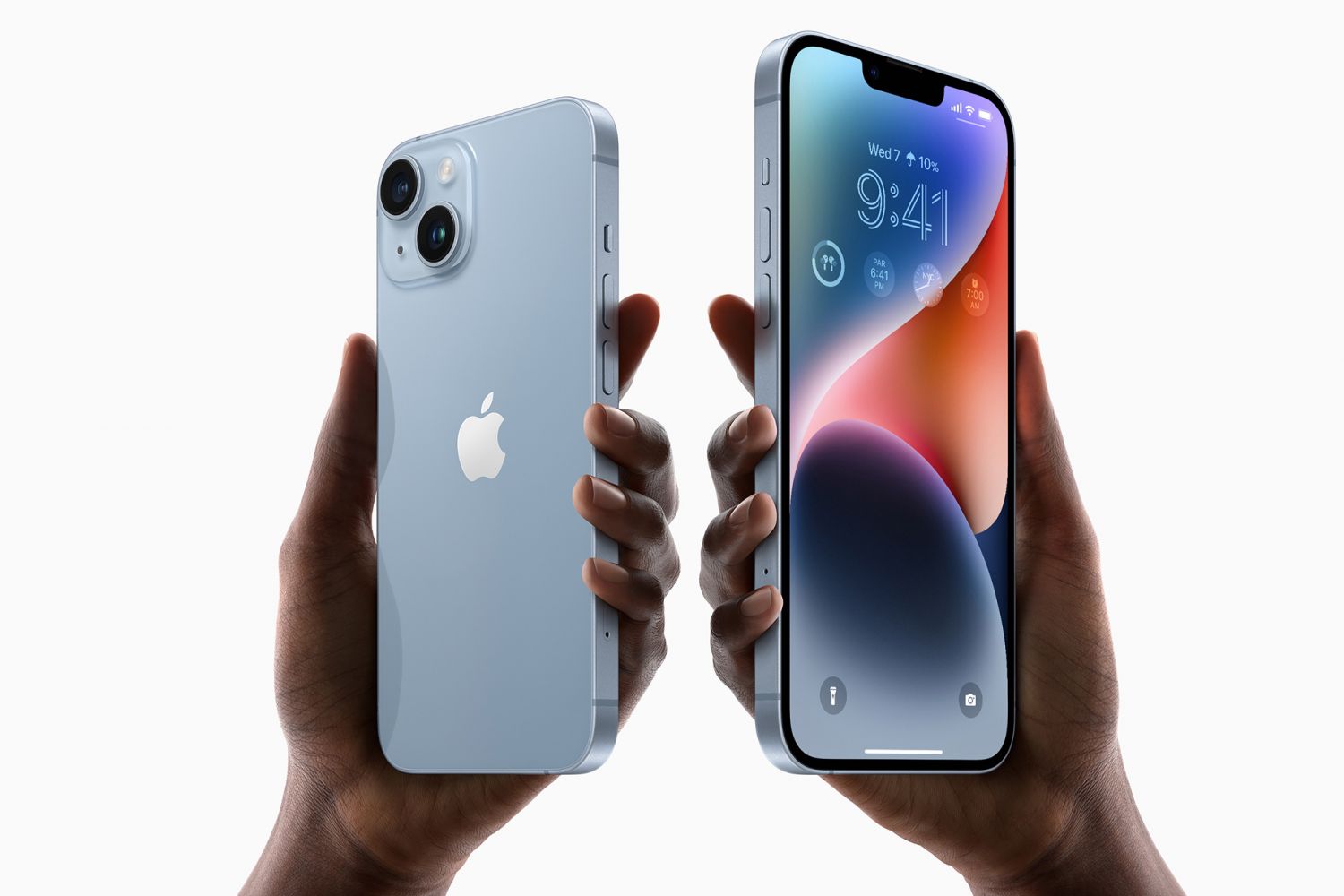
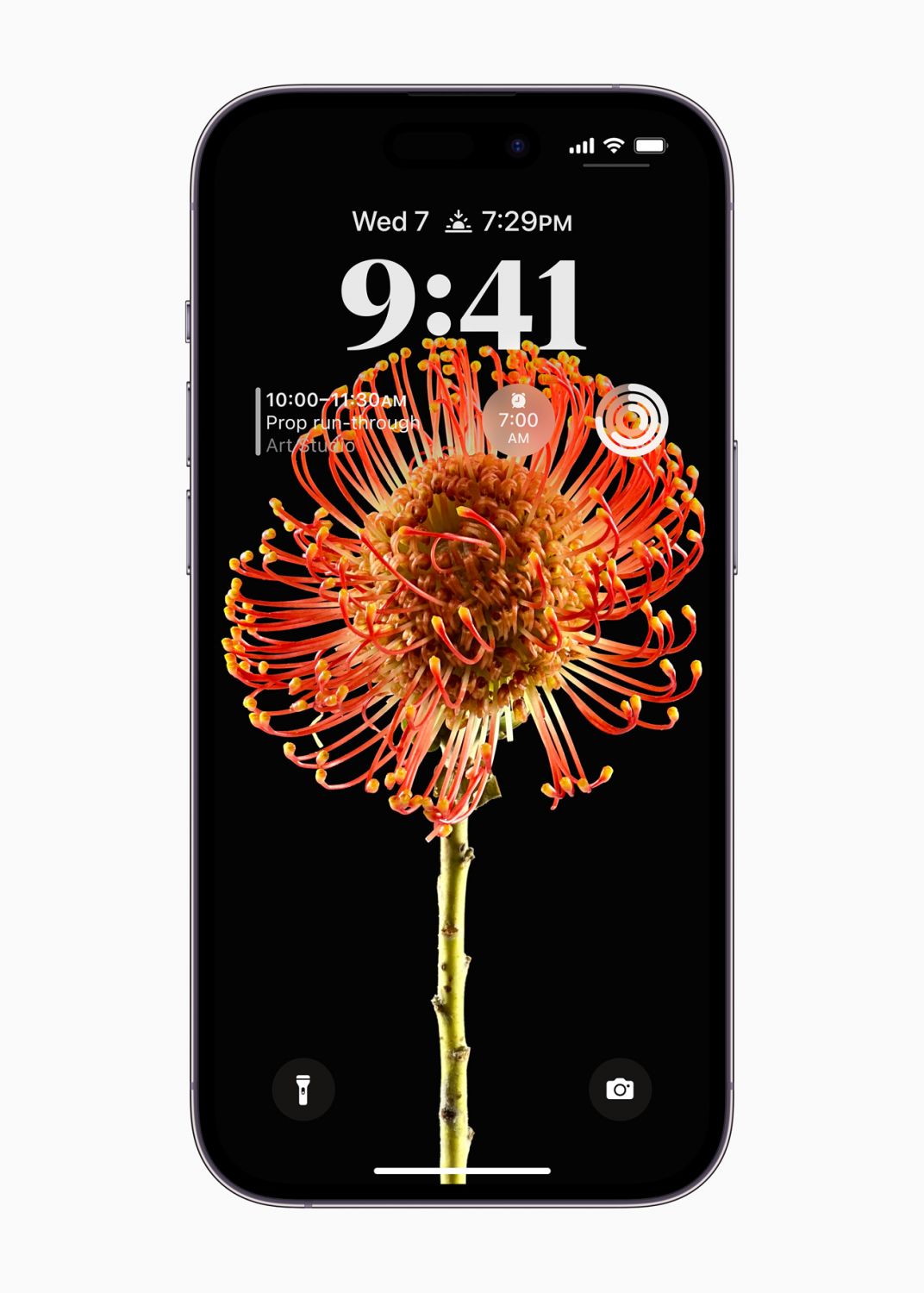
One of the most exciting things about iOS 16 is that the iPhone lock screen will be getting a massive makeover.
Now, customisation is the name of the game with the ability to customise the font, colour, or placement of elements on your screen. You can also add new widgets to the lock screen to make it easy to get information at a glance. You can access upcoming calendar events, battery levels, alarms, time zones, activity ring progress, and more.
Users can also now choose an intelligently suggested photo from their personal library that will look amazing on the lock screen, or choose a dynamic set of photos that shuffle throughout the day.
Notifications will also now roll in from the bottom of the screen so that your screen is not obstructed.
2. Focus Mode Is More Powerful Than Ever
Above Photo: Apple
Photo: Apple
1 / 1
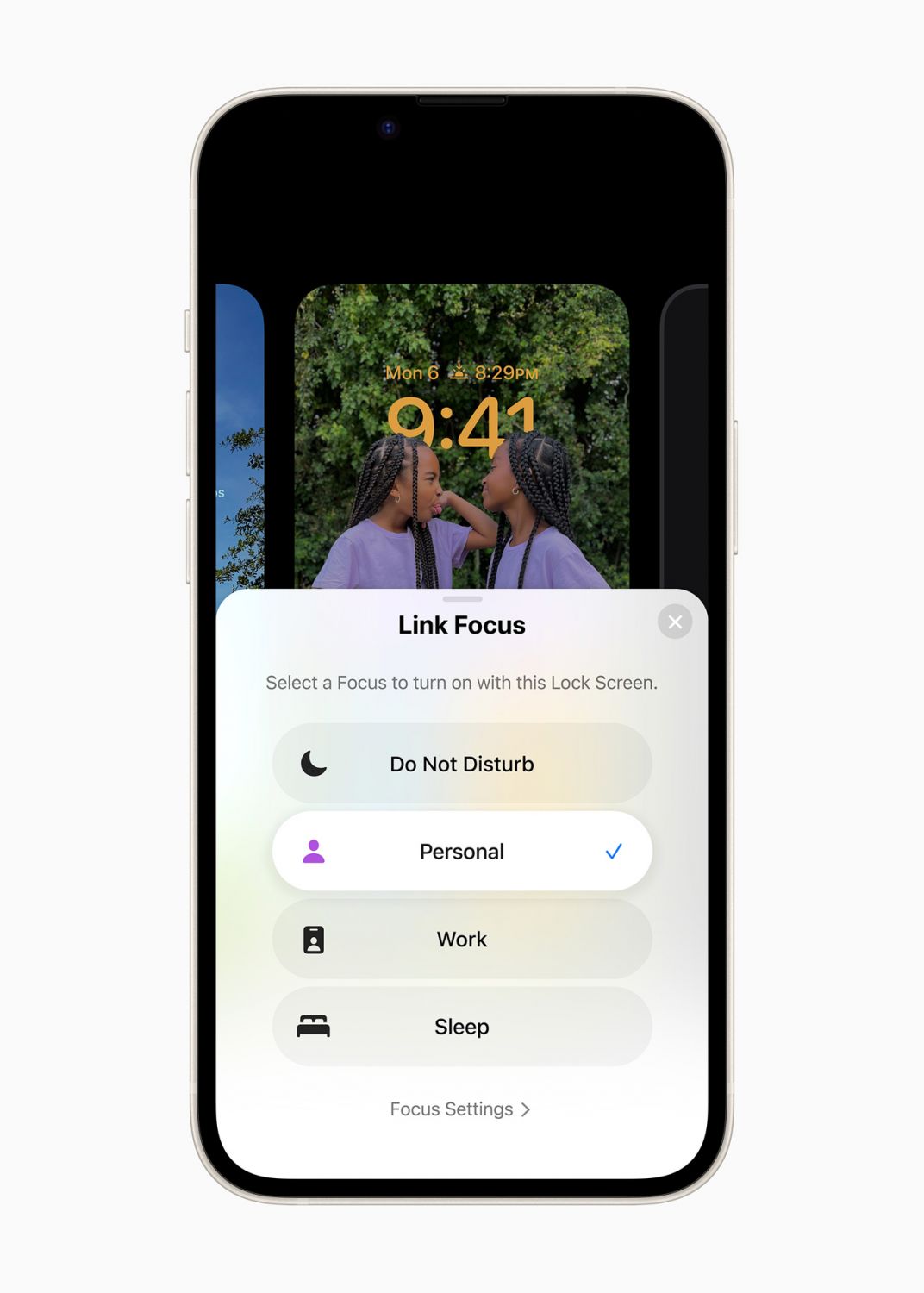
Sometimes, you just need to turn the world off so you can focus on a task or meeting. Apple clearly understands this and has made Focus mode even more powerful by connecting to the lock screen.
With the redesigned Focus mode, users simply need to swipe to a designated Lock Screen to activate the corresponding Focus mode for what they are doing.
Focus will then filter apps like Calendar, Mail, Messages, and Safari to only display content that is relevant to what the user is focusing on.
3. You Can Now Edit and Unsend Messages
Above Photo: Apple
Photo: Apple
1 / 1
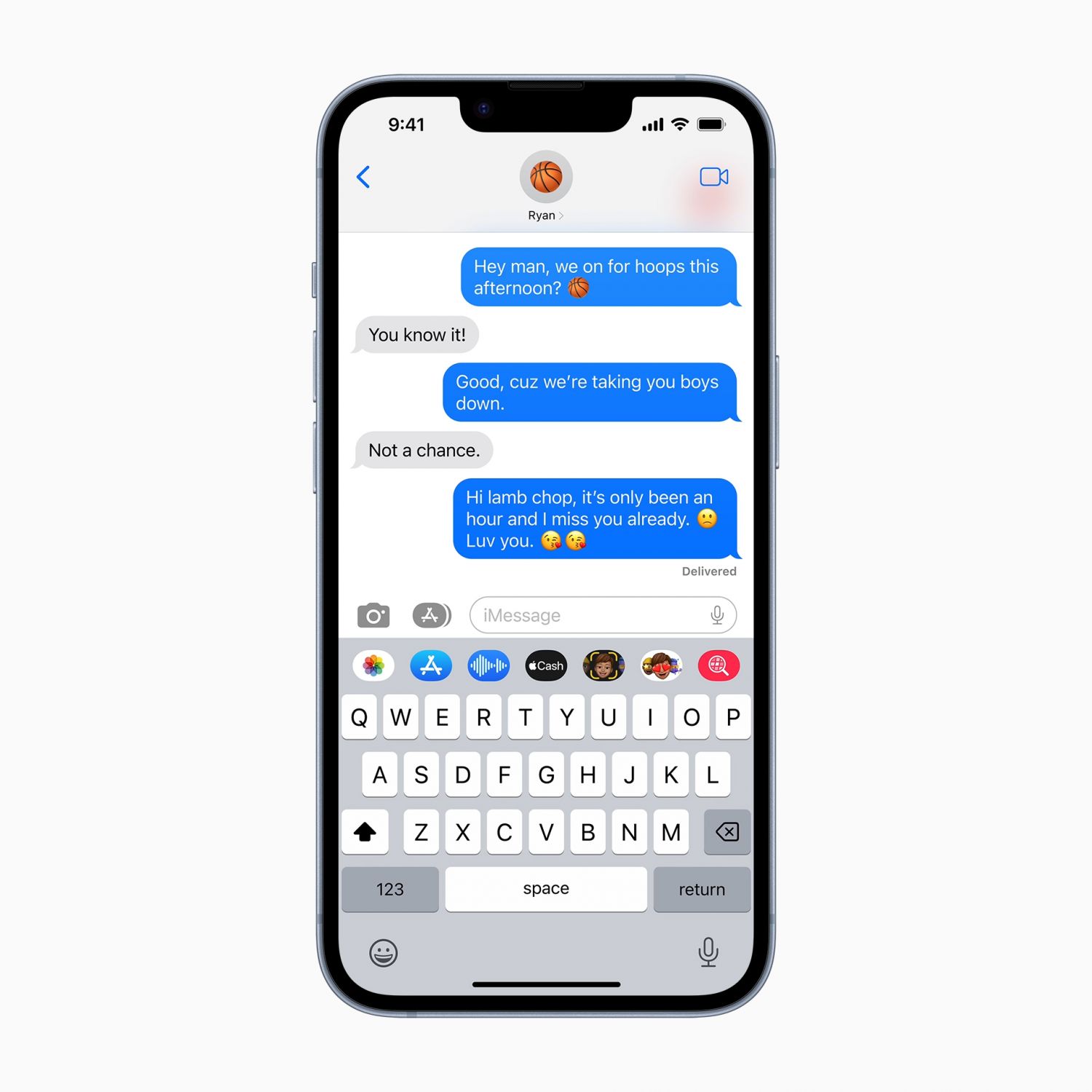
Messages can officially be edited, undone and marked as unread in the new iOS 16 update.
You can also use the new Shareplay feature through messages to enjoy synced content like movies or songs with shared playback controls.
4. The Way You Manage Your Emails Has Changed
Above Photo: Apple
Photo: Apple
1 / 1
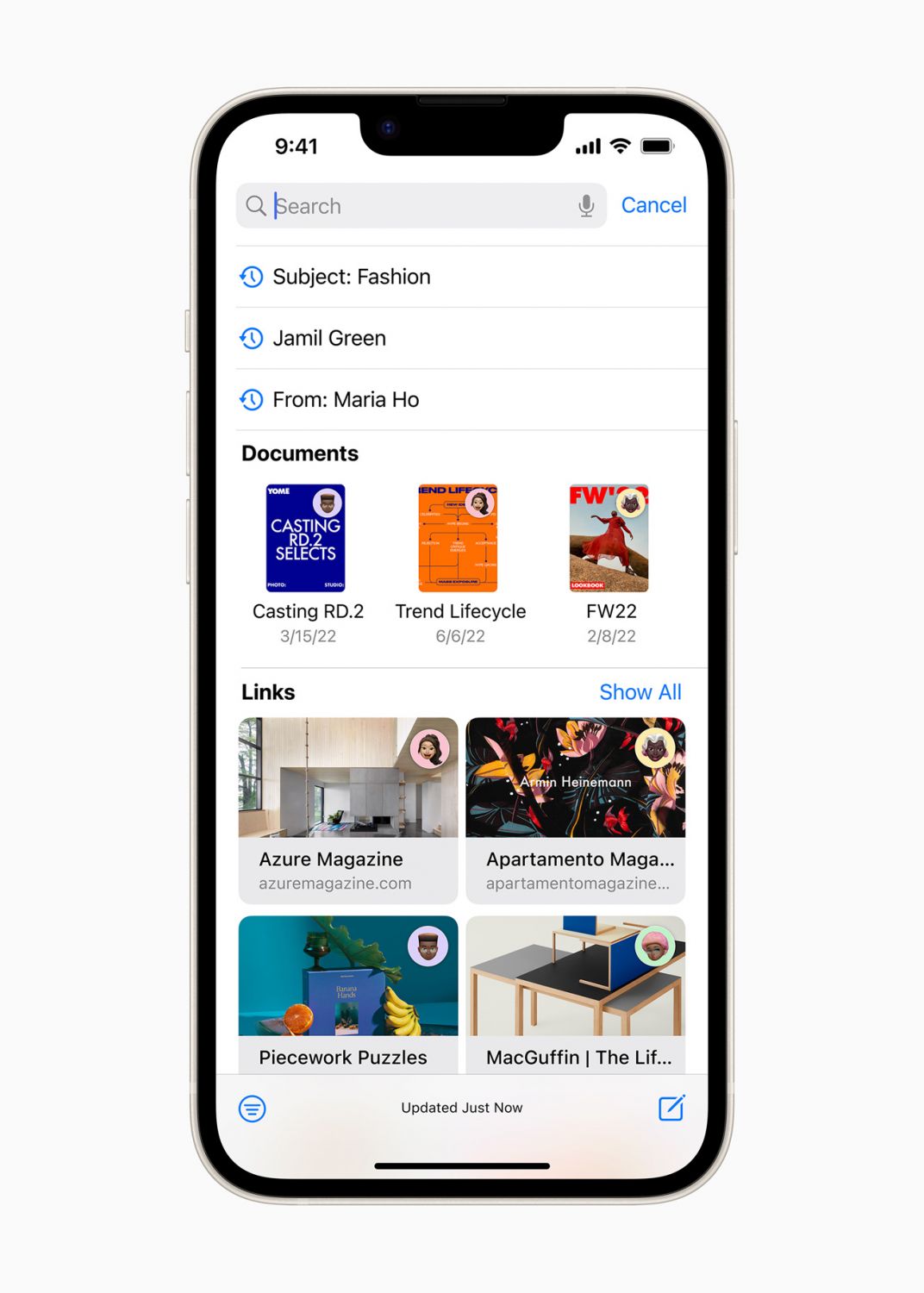
The Mail app is next up on Apple’s list of updates and now, users can schedule delivery of an email ahead of time or cancel the delivery of a message before it reaches a recipient’s inbox.
You can also set reminders to come back to a message at a later date to maximise your productivity and so that you never miss another email again.
5. Passkeys Will Make Your Online Experience More Secure
Above Photo: Apple
Photo: Apple
1 / 1
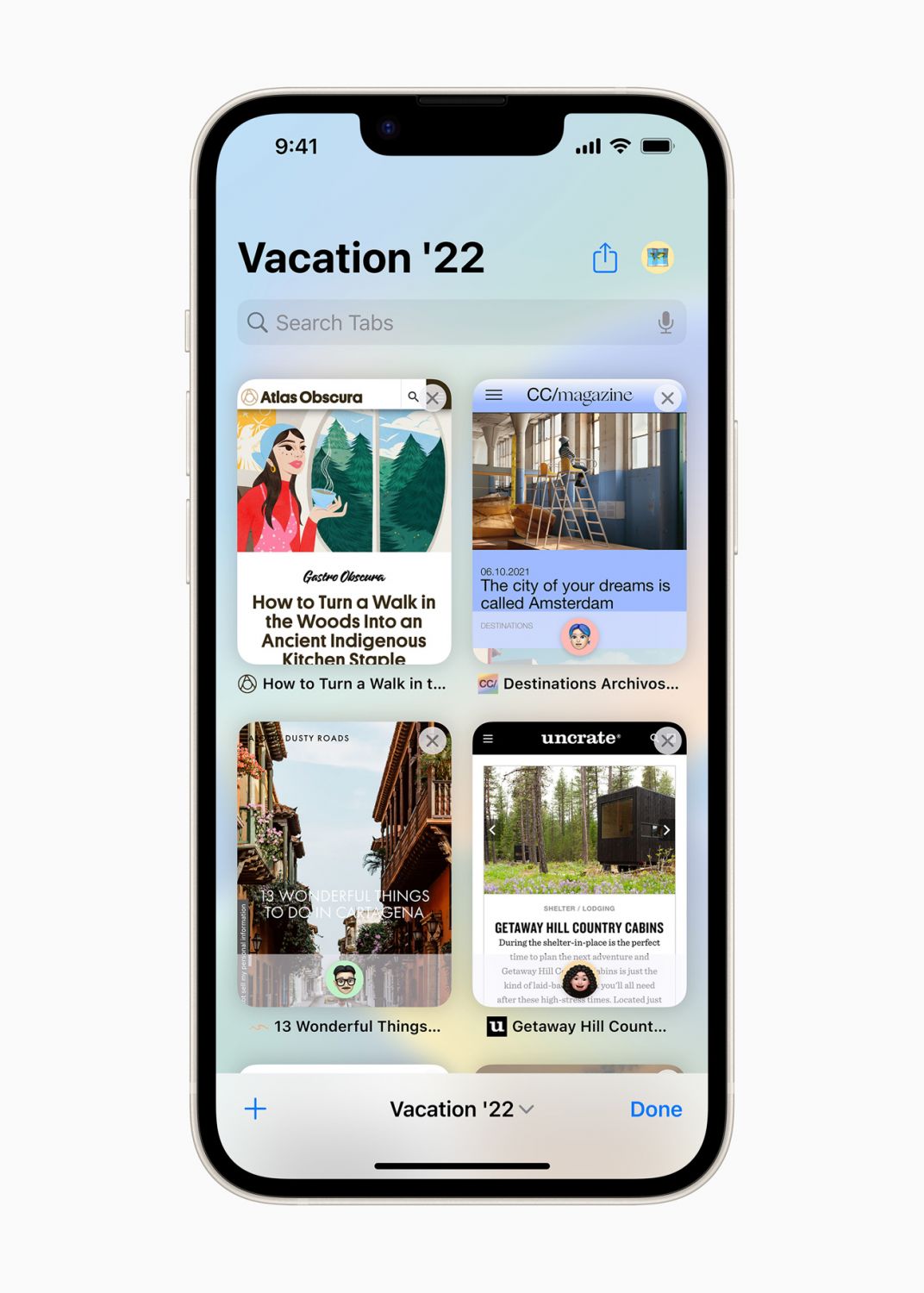
Online security has never been more important than it is now and Apple has been ahead of the game in ensuring that its users are protected. With iOS 16, users can look forward to the introduction of passkey, a next-generation credential that can’t be phished or leaked.
Designed to replace passwords, passkeys utilise Touch ID or Face ID for biometric verification, and iCloud Keychain to sync across iPhone, iPad, Mac, and Apple TV with end-to-end encryption.
6. A New and Refreshed Health App
Above Photo: Apple
Photo: Apple
1 / 1
Always forgetting to take your medication? iOS 16 introduces new additions to the Health app to allow users to build and manage a medications list as well as to create schedules and reminders for their medications, vitamins, or supplements. A useful feature for many of us health geeks these days.
NOW READ
Hermès Launches Its Most Stylish Apple Watch Straps Yet
How to Watch Apple’s New Short Film About Singapore Chicken Rice
Topics

Camillia Dass is the digital writer for Tatler Singapore.